Community and Support

4 articles
Save to your device or view in the cloud — which way to watch?

Save to your device or view in the cloud — which way to watch?

Save to your device or view in the cloud — which way to watch? Some people like keeping a local copy they can rename, move, and back up. Others just want to press Play. Seedr does both — one cloud, one library, two ways to watch. Save to your device

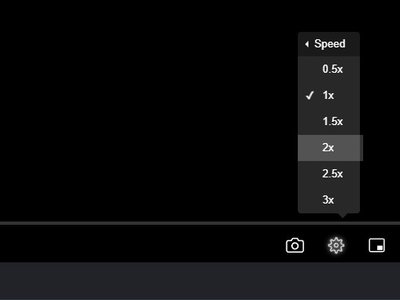
Customizable Playback Speeds in Seedr V2 client and how this feature will help you

Customizable Playback Speeds in Seedr V2 client and how this feature will help you

Originally posted at April 10, 2024 A bit more about V2 and what features are already available to alpha testers and will soon be available to everyone: playback speeds. Playback speed controls are a common feature in media players, video platforms, and content consumption apps. Providing users with the ability

Upcoming Seedr’s Audio Player: nothing except music

Upcoming Seedr’s Audio Player: nothing except music

Originally posted at March 26, 2024 Cloud-based audio viewing has revolutionized the way we listen to music. With the help of cloud technology, we can now store and access our audio libraries from anywhere, at any time, using any device with an internet connection. This convenience and flexibility have made

What can I do while Seedr is saving my files

What can I do while Seedr is saving my files

Originally posted at January 4, 2023 In today’s fast-paced world, time is a valuable commodity. We are constantly looking for ways to optimize our productivity and make the most of every minute. One such way is by using Seedr’s save manager to effortlessly save files. But what can you do